
FridgeChef Review: Snap Your Fridge, Get Recipes in Seconds
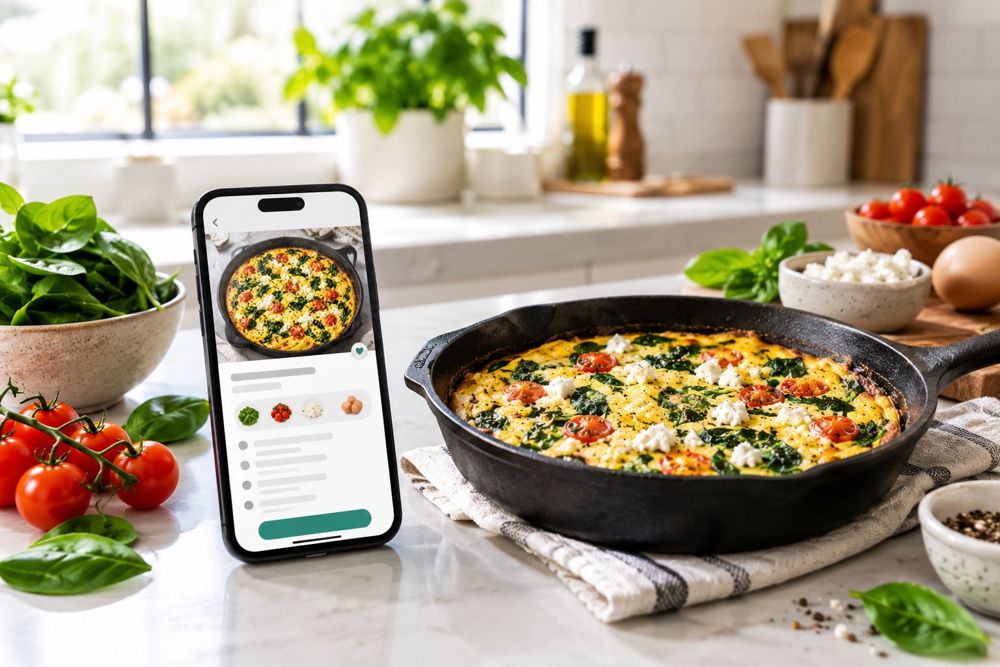
Verdict: FridgeChef does one job and does it cleanly — it turns a photo of your fridge into a short list of recipes you can actually cook, scored by how many ingredients you already have. It's free, runs in the browser, and asks for no account. If you regularly ask what can I cook with the ingredients I have, this is the fastest answer we've used.
How FridgeChef works, step by step
- Scanner. Upload a fridge photo, use your camera, or start from a sample fridge (Fresh Market & Farm Dairy, High-Protein Fitness, Plant-Based Garden).
- Identified ingredients. The Smart Vision AI lists what it sees — pasture eggs, baby spinach, Greek feta, cherry tomatoes, bell peppers, Greek yogurt, garlic, lemons, olive oil — each with a category and freshness note. You confirm or edit the list, and can add items manually.
- Recipes. Matching recipes appear with a Fridge Match percentage, time, calories, macros, cuisine and difficulty. Dietary filters (vegetarian, vegan, keto, gluten-free, high-protein, quick) plus time and calorie limits narrow the list fast.
- Cooking mode. A full-screen, hands-free mode walks you through each step with a chef's pro tip, automatic timers, and read-aloud voice options.
- Shopping list. Anything a recipe needs that you don't have goes to the Culinary Shopping List in one tap.
What we liked
- Fridge Match scores make the shortlist honest — a 100% match (like the spinach & feta frittata) means zero shopping.
- Macros on every card — protein, carbs and fat alongside calories, which fitness-focused cooks usually have to hunt for.
- Hands-free cooking mode is genuinely useful mid-recipe: voice reading, step timers, keyboard shortcuts.
- Zero friction — no download, no account, no paywall in front of the core job.
What to know
- It's a young web app: the recipe set is curated rather than millions deep, and the interface is English-only for now.
- Vision AI is good, not magic — always glance over the identified-ingredients checklist before cooking; that's what it's there for.
Who it's for
Home cooks fighting decision fatigue, anyone trying to cut food waste, high-protein or plant-based eaters who cook from a stocked fridge, and busy people who want dinner decided in under a minute. Full feature breakdown on the FridgeChef app page.